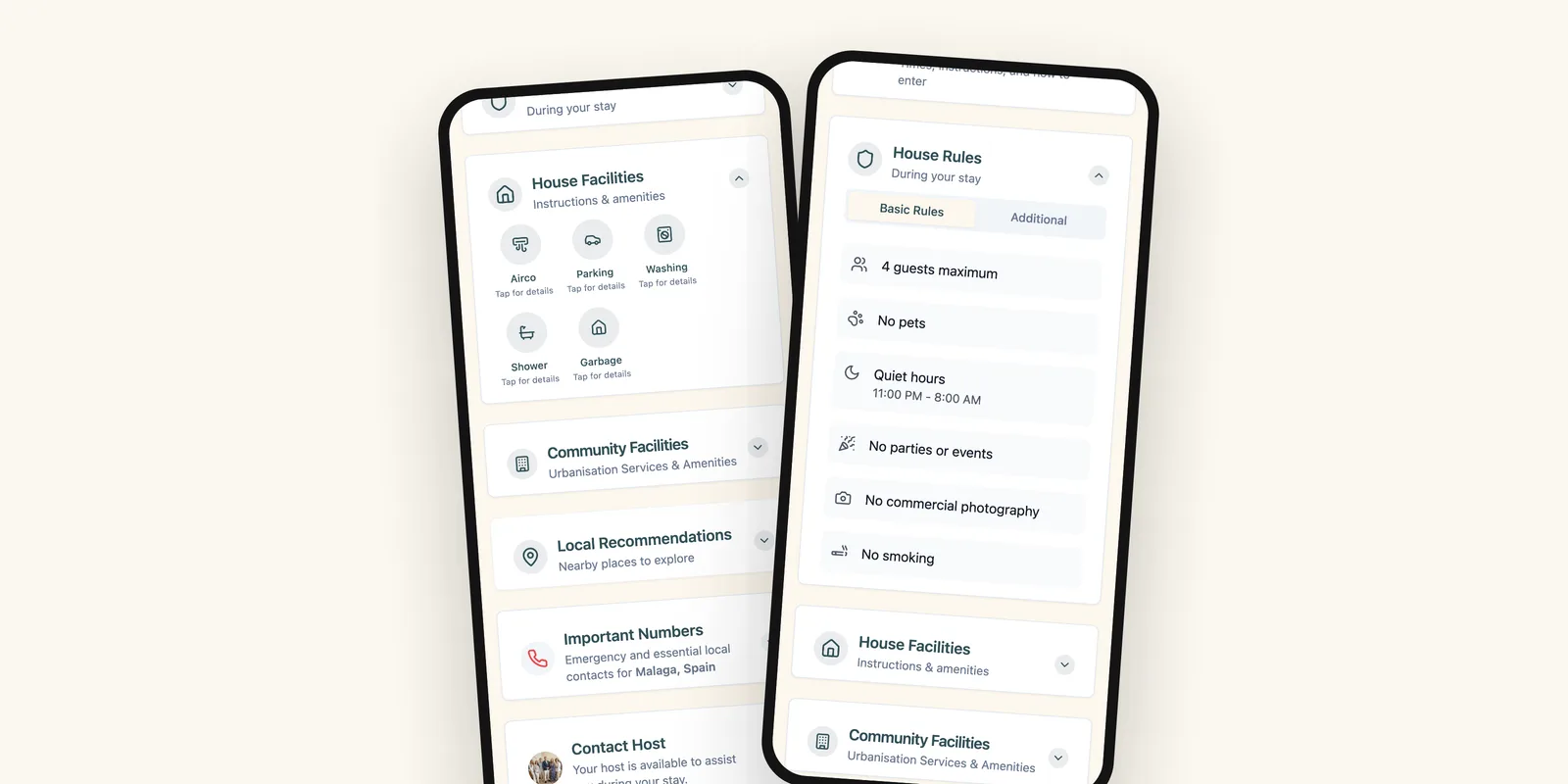
- Write the steps from the street to the sofa, in order.
- Describe what guests will see, not just where to go.
- Always add a plan B for when a code does not work.
Most calls from guests come in the first hour of the stay, and most of those are about getting in. The flight was late, it is dark, the building looks different from the photos, and the lockbox is not where the guest expected. Clear self check-in instructions prevent almost all of these calls. Here is how to write them.
Start at the street, not at the door
You know the building. Your guest has never seen it. Begin where they will actually be: stepping out of a taxi or parking the car. Then walk them to the door one step at a time.
- The exact address, with a map link that drops a pin on the entrance, not on the building.
- What the entrance looks like: “the blue door to the left of the café”, “gate number 3”.
- Where the lockbox or keypad is, and how to recognise it.
- The code, on its own line.
- How to open the lock: turn, push, lift the handle, hold for two seconds.
- Which floor and which door, once they are inside the building.
- How to lock it again from the inside and from the outside.
Describe what they will see
Directions such as “turn left after the entrance” fail in the dark. Landmarks work better: the colour of a door, a mailbox, a plant, a sign. If you can, add a photo of the entrance and of the lockbox. One good photo saves more questions than a paragraph of text.
One instruction per line
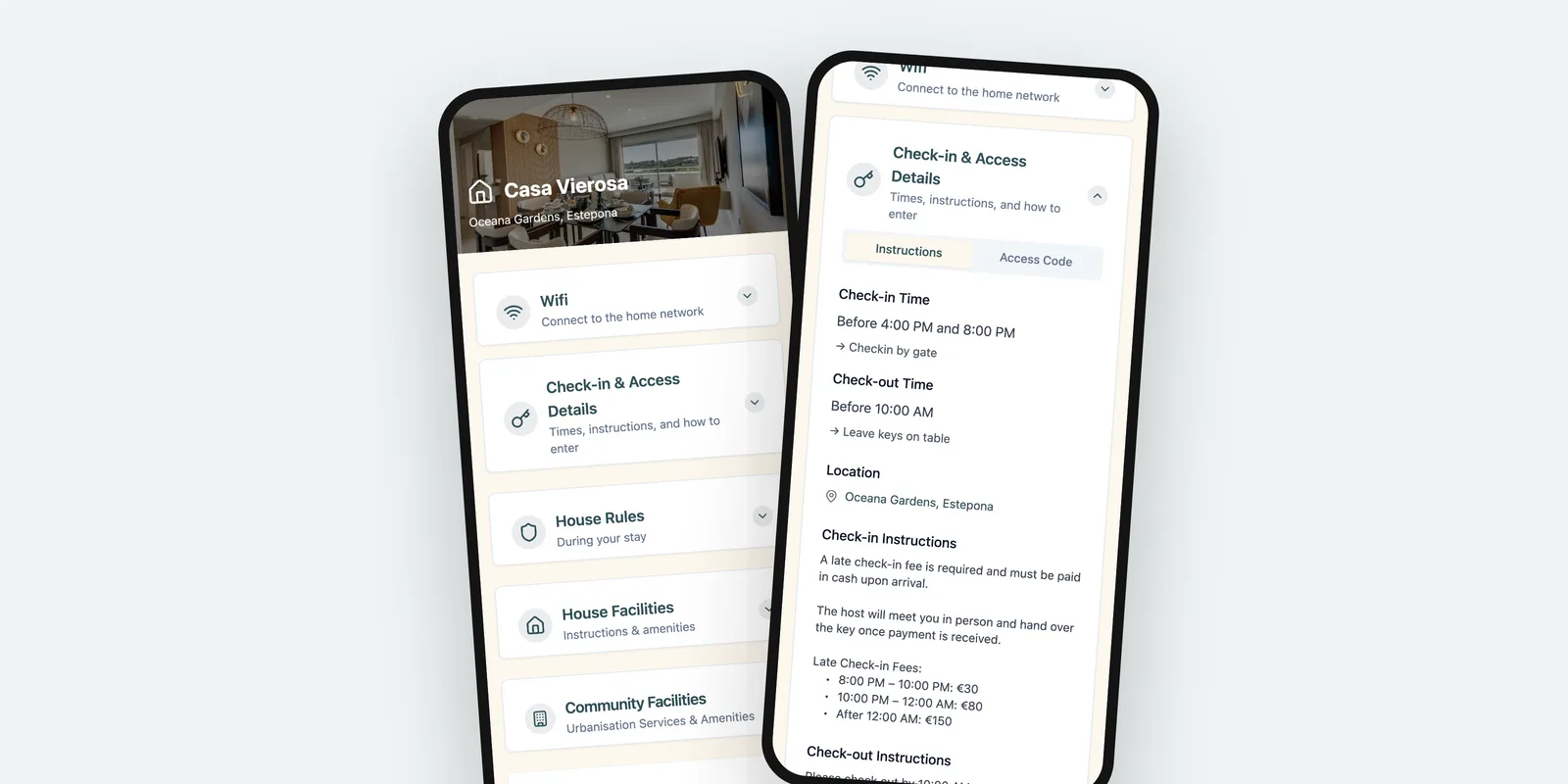
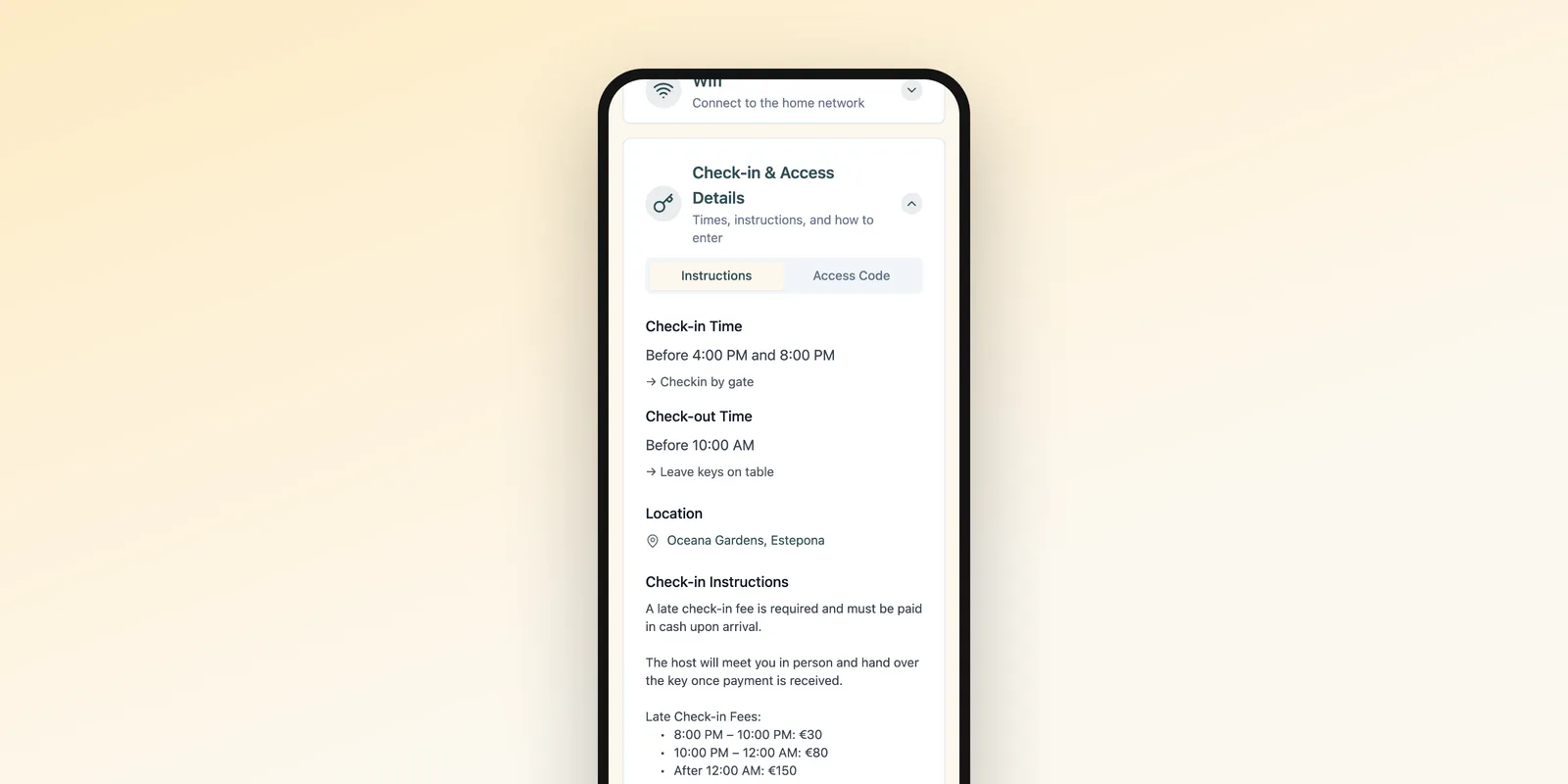
Guests read check-in instructions on a phone, often with luggage in one hand. Long paragraphs hide the one sentence they need. Put every step on its own line and every code, time and number on a line of its own.
Test your instructions by following them yourself, at night, without using what you already know. Every place you hesitate is a place a guest will call.
Always add a plan B
Codes get mistyped, batteries run out and lockboxes stick. Tell guests what to do if something does not work:
- Try the code again slowly, and check whether the lock needs a confirmation key.
- Where a spare key is, if you have one.
- Whom to call, with a number that works at the time they are likely to arrive.
Keep the code current
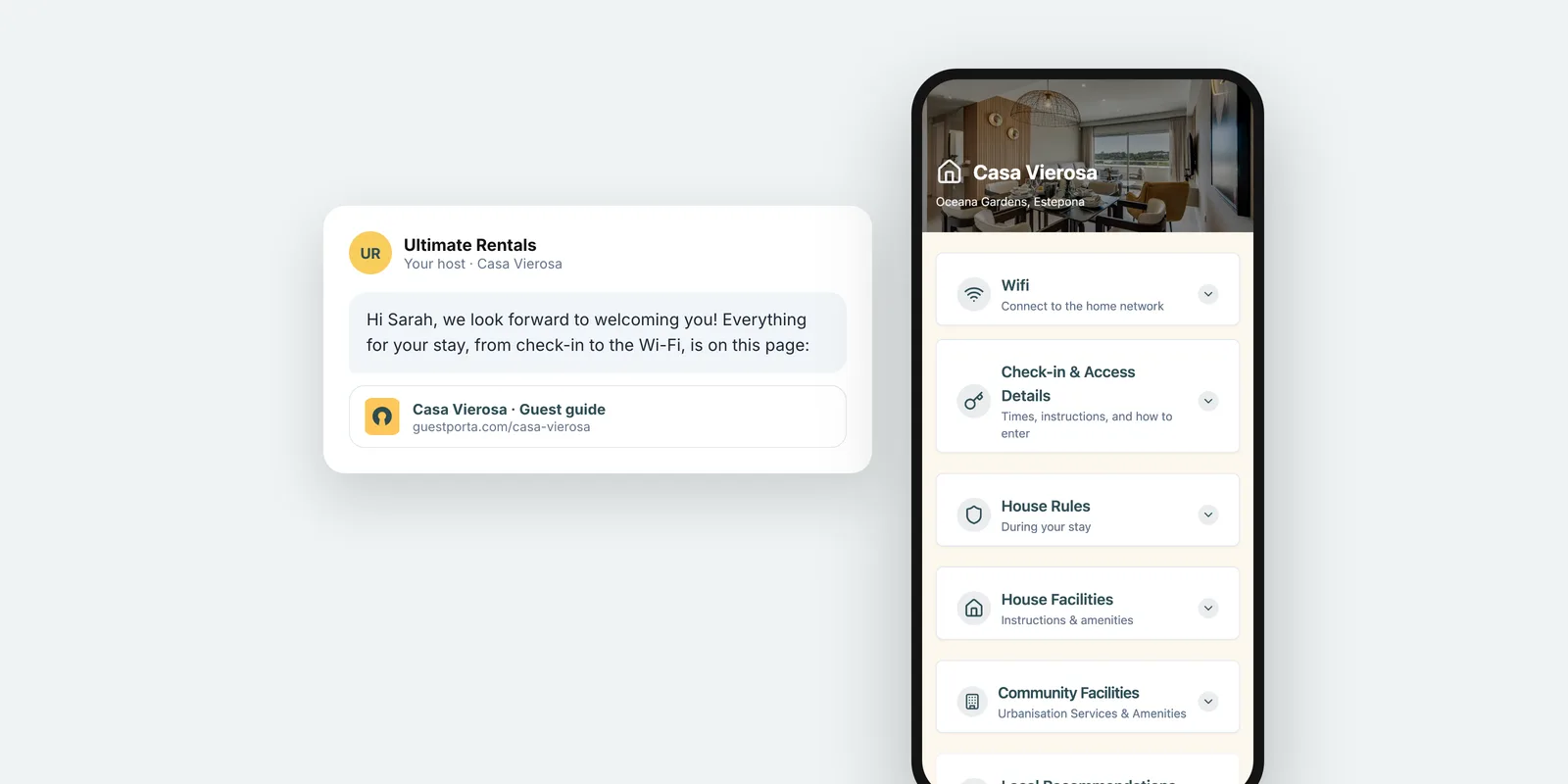
The most common reason self check-in fails is an old code. The cleaner changed it, the guest received the instructions a month ago, and nobody resent them. Keep the instructions in one place that you can update, such as a guest page with check-in instructions, so a change reaches everyone who has the link.
Late arrivals from abroad
Many guests arrive late after a long journey, sometimes without a local SIM card. Send the steps before they travel, make sure the instructions work without calling anyone, and keep the most important details, the address and the code, easy to find even with a slow connection.
FAQ
When should I send self check-in instructions?
Twice. Once with the booking confirmation so guests can plan, and again the day before arrival so the steps are at the top of their messages when they need them.
Should I send the access code in advance?
That depends on your lock. A code that changes per stay can be shared in advance. A fixed code is safer to share close to arrival, or through a page you can update when you change it.
What if the guest arrives much later than planned?
Self check-in handles late arrivals by design, as long as the steps are clear. Add a line on what to do if they arrive after a certain time, and how to reach you in an emergency.
The GuestPorta team builds digital guest pages for hosts and property managers, and writes about guest communication for short-term rentals.