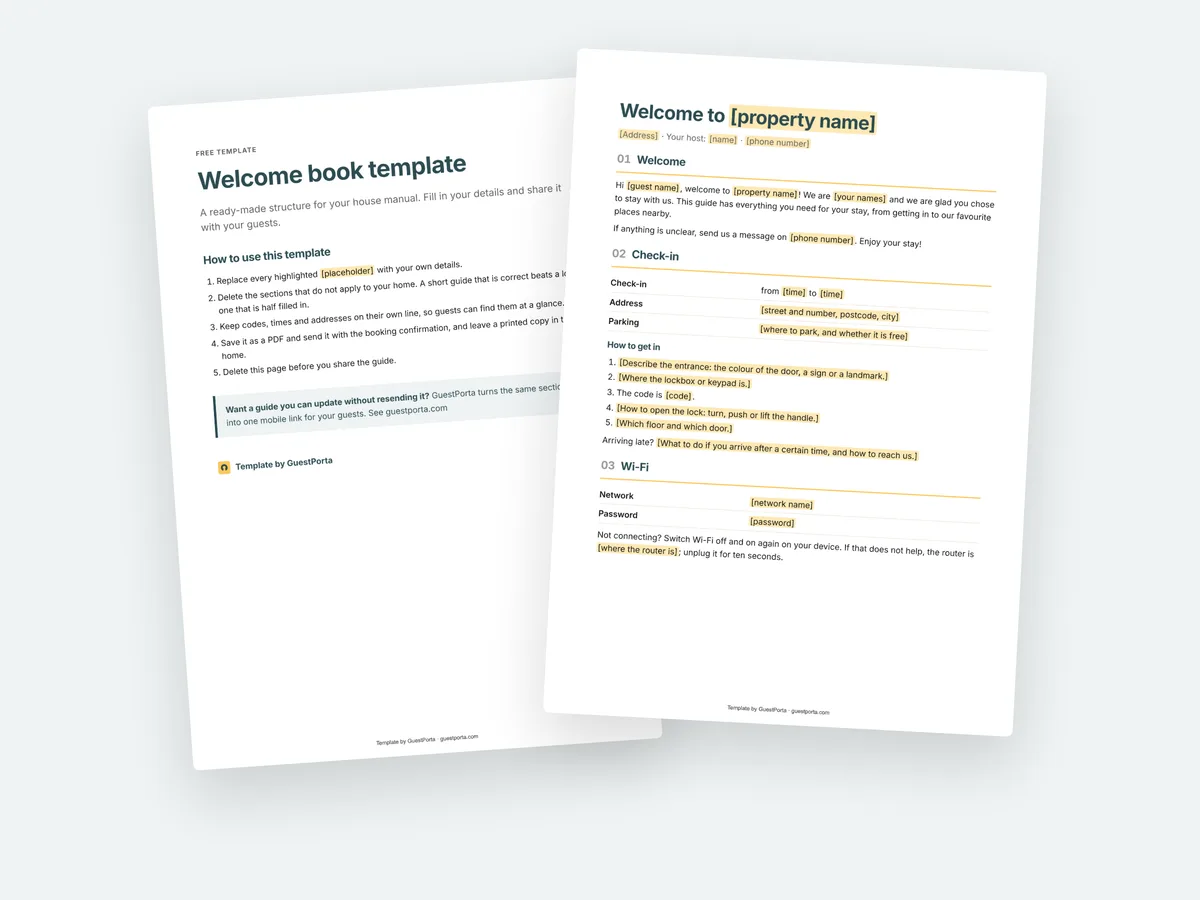
How to use this template
Start with the arrival section and work through the stay in order. Fill in only what applies to your property and delete the rest: a short guide that is correct beats a long one that is half filled in. Where the template shows an example sentence, replace it with your own wording, keeping codes, times and addresses on their own line so guests can find them at a glance.
Fill in these four things first
If you only have ten minutes, these four answer most of the questions guests ask before and during their stay:
- How they get in. The exact steps from the street to the door, with the code or the lockbox location, and what to do when they arrive after dark.
- The Wi-Fi. Network name and password, written exactly as they appear, including capitals.
- Check-out. The time, what to do with the keys, and the two or three things you want left tidy.
- One local tip per category. A bakery, a restaurant, a beach or walk. Three good ones beat a list of twenty.
Printing it, or sharing it as a file
The PDF is set up for A4, so a printed copy fits in a folder or a kitchen drawer. The Word file is the one to edit: it opens in Word, in Google Docs and in Pages on a Mac, and it keeps its headings when you convert it.
Most hosts do both: the PDF goes out with the booking confirmation, and a printed copy stays in the property for guests who would rather hold something in their hands.
Where a document starts to cost you time
A template is the fastest way to get your information in one place. It starts to work against you the moment something changes: a new gate code, a different check-in time, the cleaner who now comes on Fridays. Every guest who already has the file is reading the old version, and you only find out when someone calls.
That is the moment to move the same sections to a page you can update instead, which is what GuestPorta does. The structure stays exactly as it is in this template; the difference is that one edit reaches every guest, including the ones who booked months ago.
Keep it current
Diarise a check twice a year, or right after anything changes, so the version your guests read is still the version you meant to send. Codes, phone numbers and opening hours are the three that go out of date first.