Built for the way Airbnb hosts work
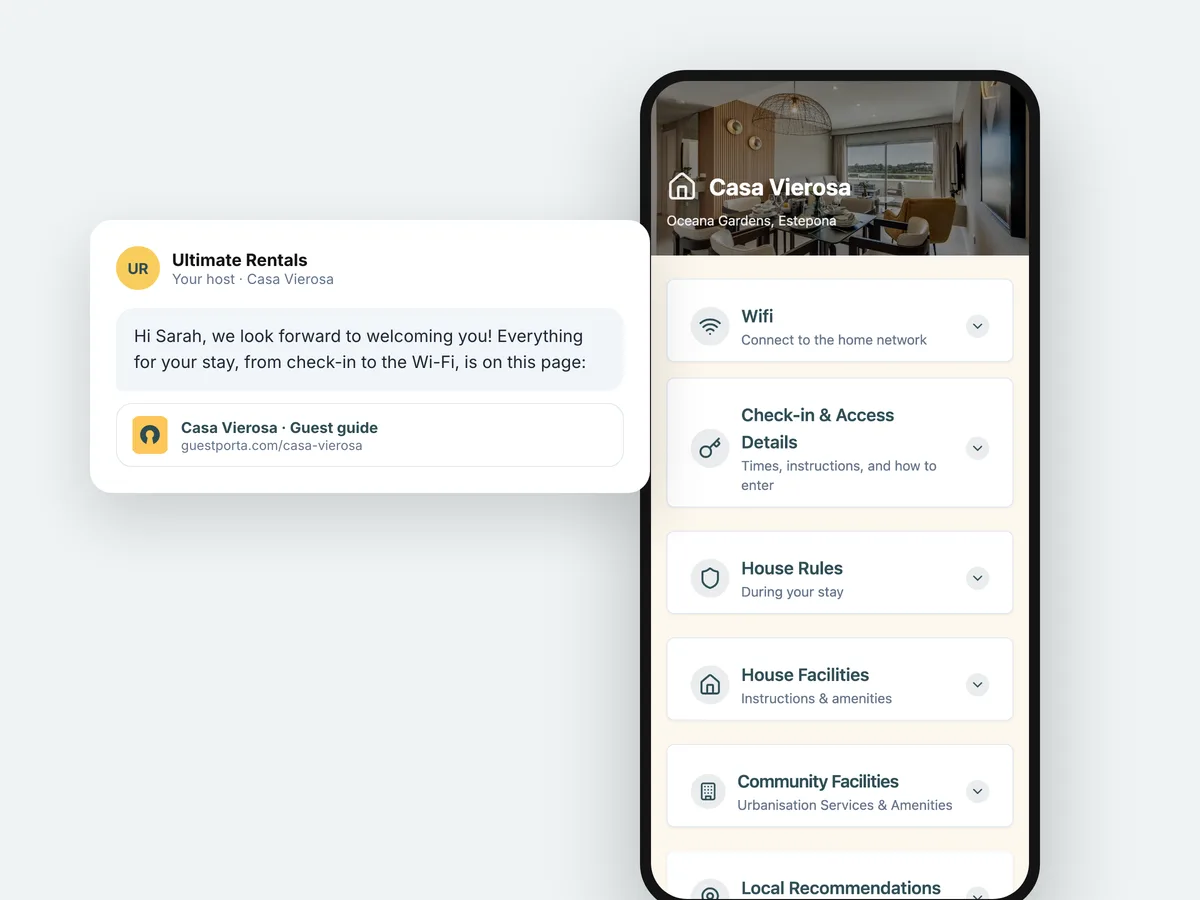
Airbnb gives you a message thread and a listing description. Neither is a good home for the practical details of a stay: the thread scrolls away and the listing is written for people who have not booked yet. A guest page sits next to both. You create it once per property, paste the link into your booking confirmation and your pre-arrival message, and every guest gets the same information without you writing it again.
Because the page lives on the web, a change reaches guests who booked months ago. Change a check-in time or a lockbox code in the morning and the guest arriving that evening sees the new version.
What your guests see
One page that opens in the browser they already have, with the arrival steps first, the Wi-Fi password a tap away, the house rules in plain language and your own recommendations for the neighbourhood. No app, no account, nothing to install. Have a look at the live example to see what a finished page looks like.
Where the Airbnb house manual falls short
Airbnb has a field called the house manual, and for a single listing it is better than nothing. Three things limit it:
- It only reaches Airbnb guests. If you also take bookings through Booking.com, Vrbo or directly, you end up maintaining the same text in several places, and they drift apart.
- It is text, not structure. Everything sits in one block, so a guest looking for the gate code at midnight scrolls past the towel policy to find it.
- It is tied to the reservation. Guests reach it through the app, which means signing in, finding the trip, and opening the right tab. Half of them message you instead.
A guest page is one link that works the same for every guest, whichever platform they came from, and it opens in a browser without a login.
What to put on it, in the order guests need it
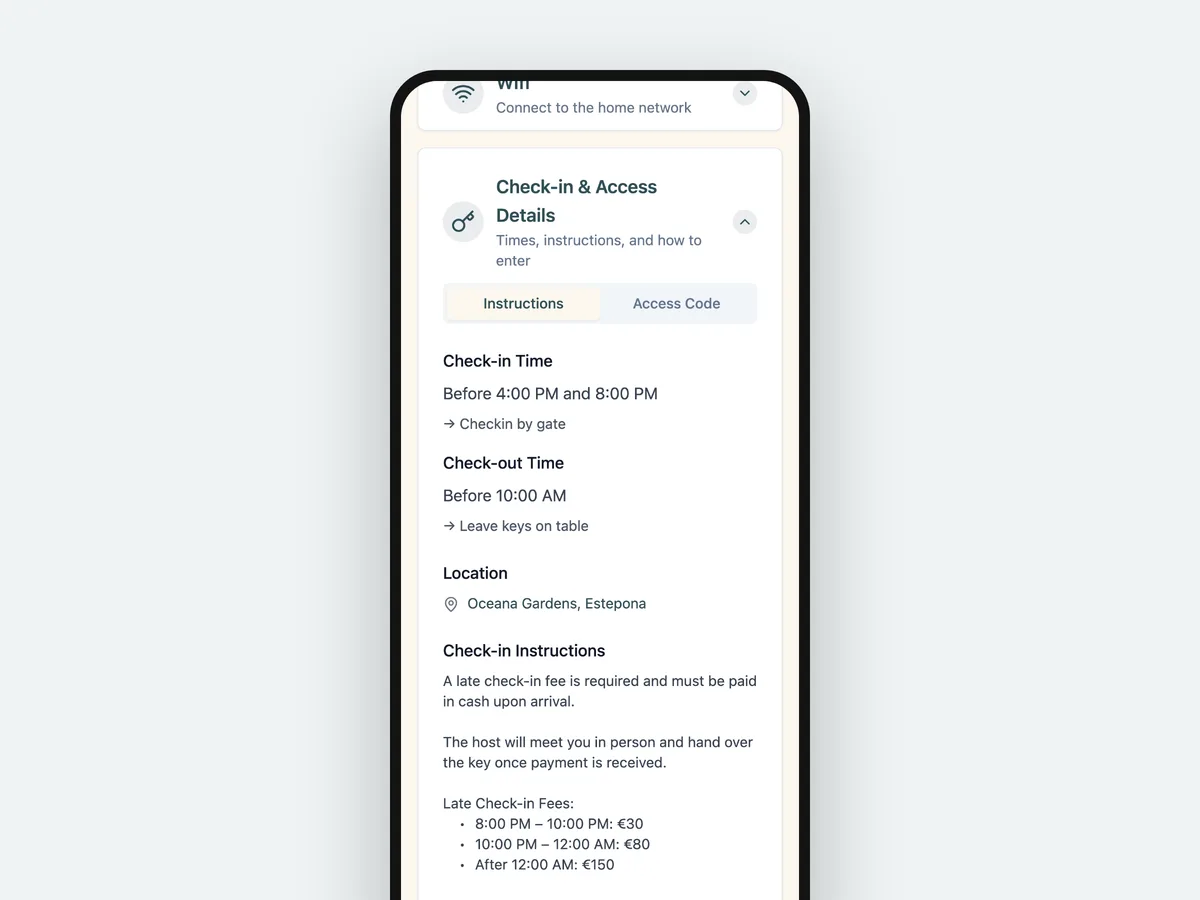
- Arrival. Times, the route from the street, the gate and door code, the parking space, and what to do if a code fails.
- Wi-Fi. The network name and password, written exactly as they appear, with a copy button so nobody mistypes a capital.
- The house. Air conditioning or heating, the washing machine, the bins, anything with a quirk.
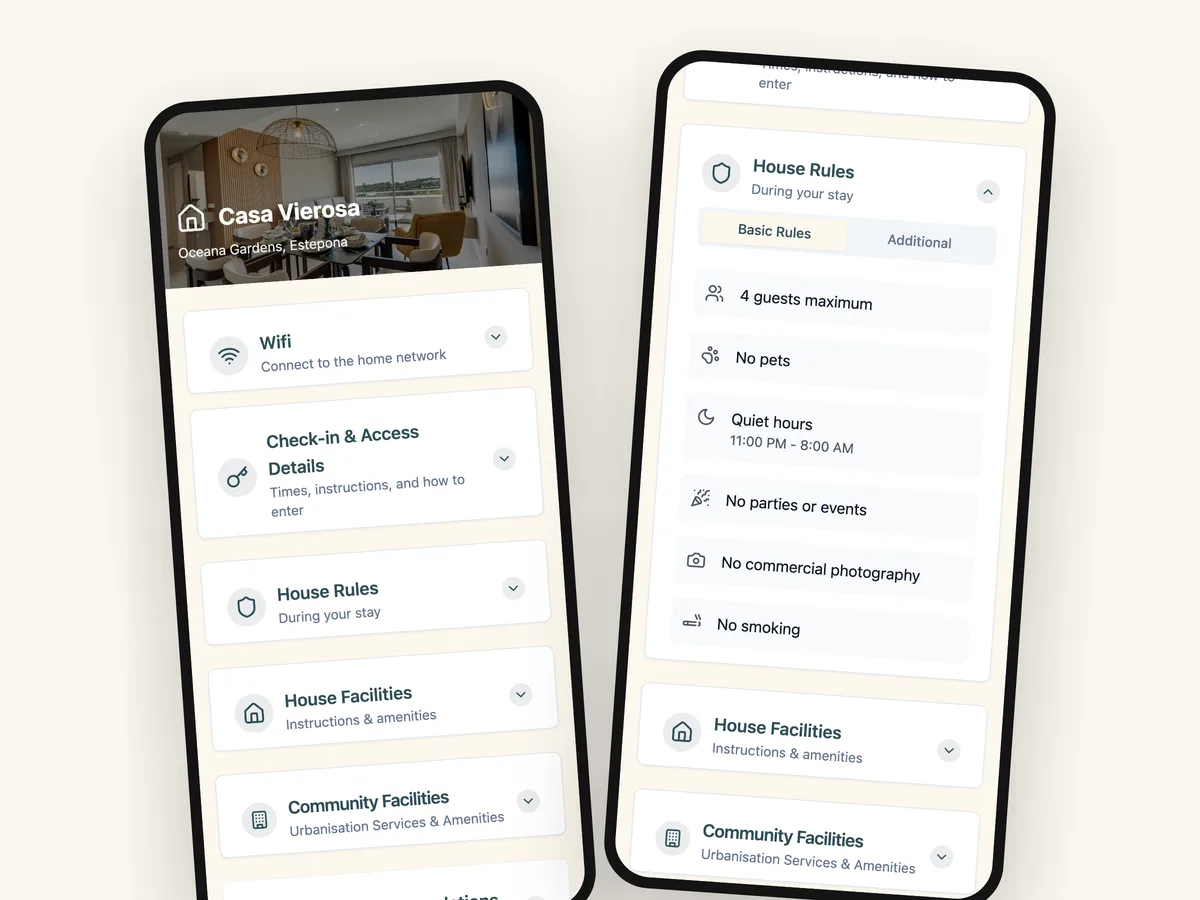
- House rules. Quiet hours, guests, smoking, parties, in the words you would use at the door.
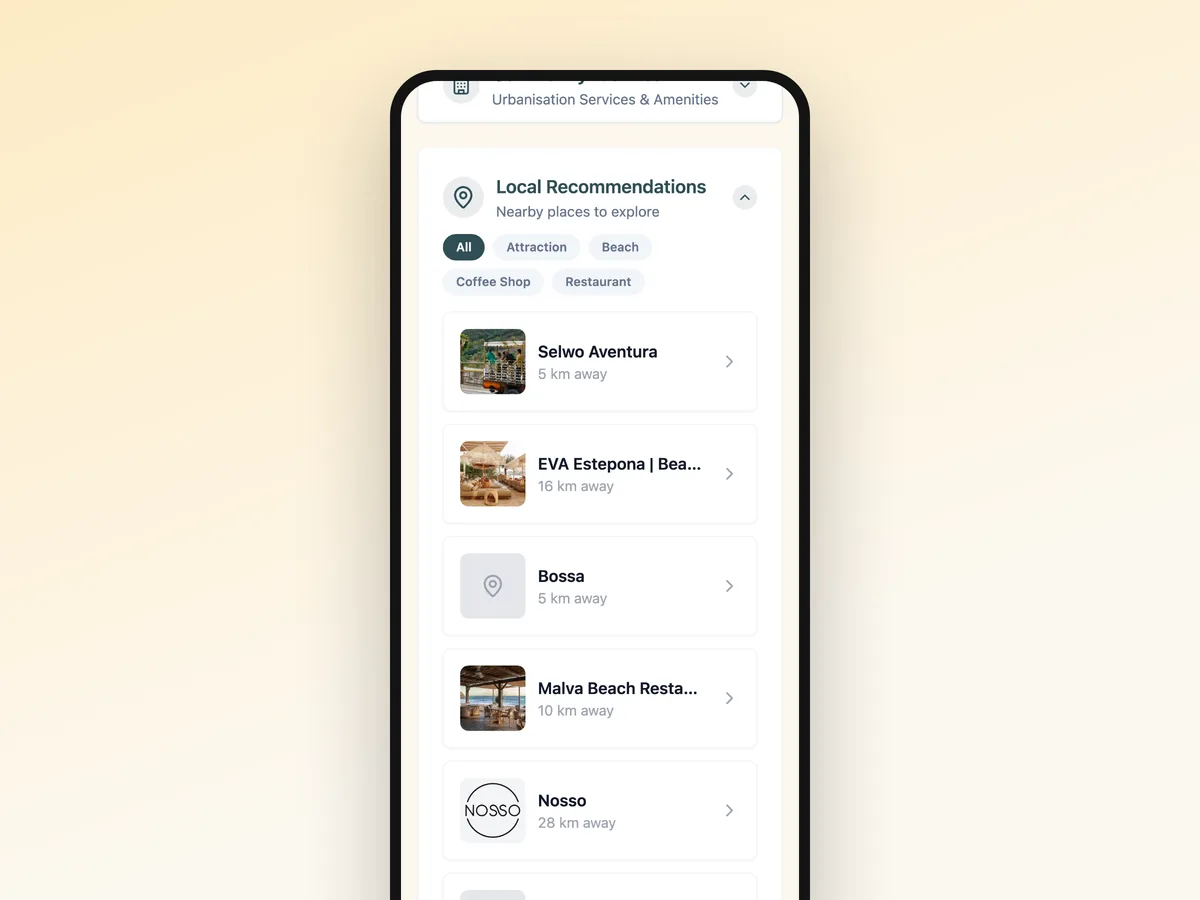
- The neighbourhood. Three or four places you would send a friend to, with the distance.
- Check-out. The time, the keys, and the two or three things you want left tidy.
That order mirrors the stay, which is why guests find things without searching.
Fewer messages, and better reviews
The questions that fill your evenings are nearly always the same five. Answering them before they are asked does two things: it gives you your evenings back, and it changes what guests write afterwards. Communication is one of the categories Airbnb asks guests to rate, and a guest who never had to ask anything tends to rate it well.
It also protects the rating in the other direction. A guest who could not get in, or who did not know the check-out time, writes about it even when everything else was perfect.
If you host on more than one platform
Keep one page per property and share the same link everywhere: in the Airbnb message, in the Booking.com confirmation, in your own email. One place to update, one version your guests read, and no copy that is three codes out of date. Managing several properties is a case of its own, covered on the property managers page.