- Put the info guests need first (arrival, Wi-Fi) at the top.
- Keep each section short and scannable on a phone.
- A digital guide stays up to date without reprinting.
Most hosts write a welcome book once, print it, and then spend the next two years answering the same questions anyway. The problem is rarely the effort. It is that the guide asks for attention at the exact moment a guest has none: standing at the door with luggage, or lying on the sofa wondering how the heating works. This article covers what to put in a welcome book, how to order it, and how to keep it useful after the first season.
Why guests skip welcome books
A guest opens your guide with one question in mind. If the answer takes more than a few seconds to find, they send you a message instead, because messaging you is faster than reading.
Three things push guests towards that message:
- It starts with a welcome letter. A warm introduction is lovely, but it sits between the guest and the door code. Put it at the bottom.
- It is one long block of text. Everything that matters is in there somewhere, which is another way of saying nothing can be found quickly.
- It is out of date. One wrong Wi-Fi password teaches a guest that the guide cannot be trusted, and they will not open it again for the local tips.
There is also a practical reason. A printed folder only exists inside the property, so it cannot help the guest who is standing outside at eleven at night, looking for the lockbox.
What to include
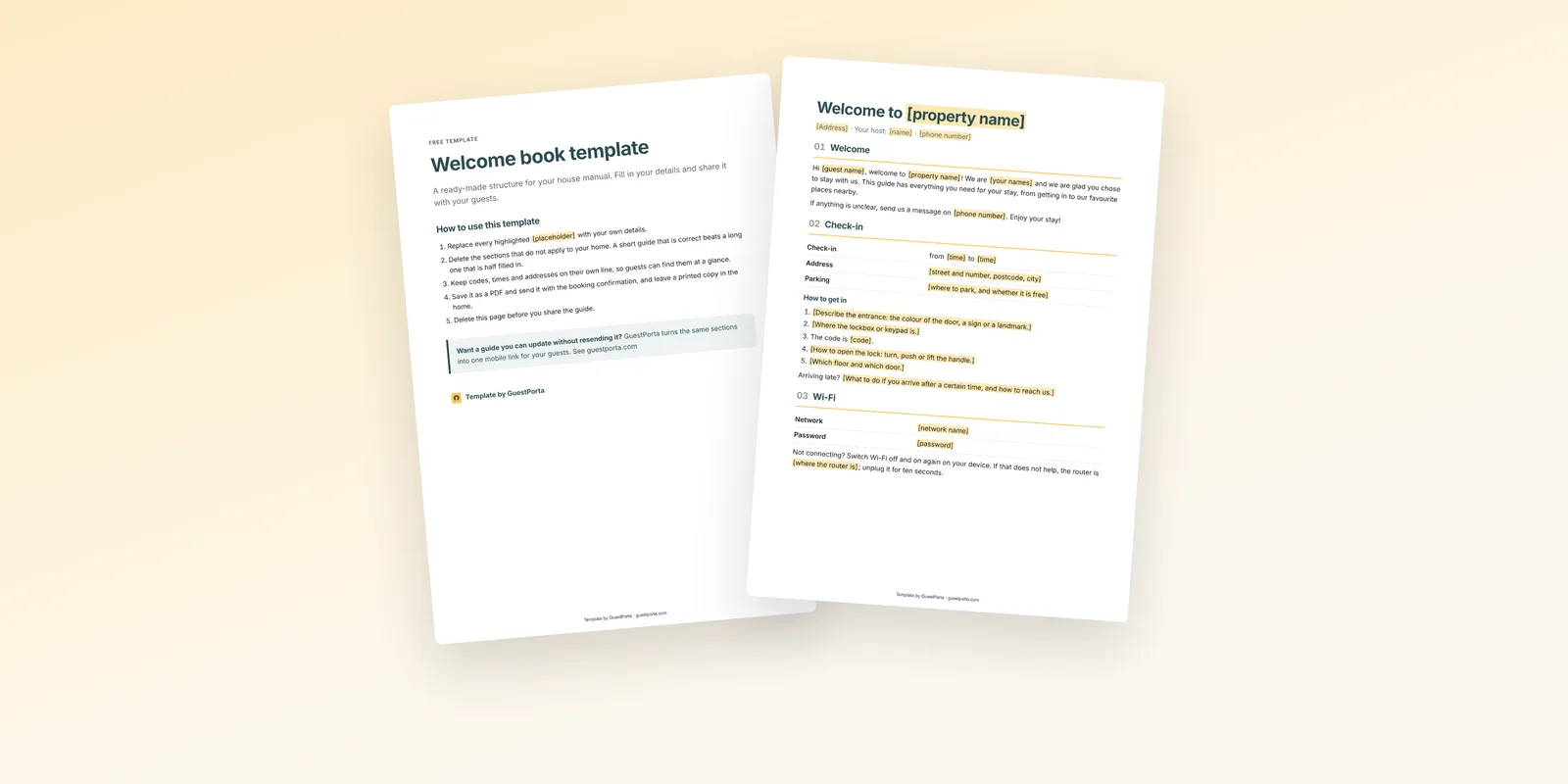
Work from the questions you actually receive. If you have hosted for a season, your message history is a better outline than any template. Almost every host ends up with the same core:
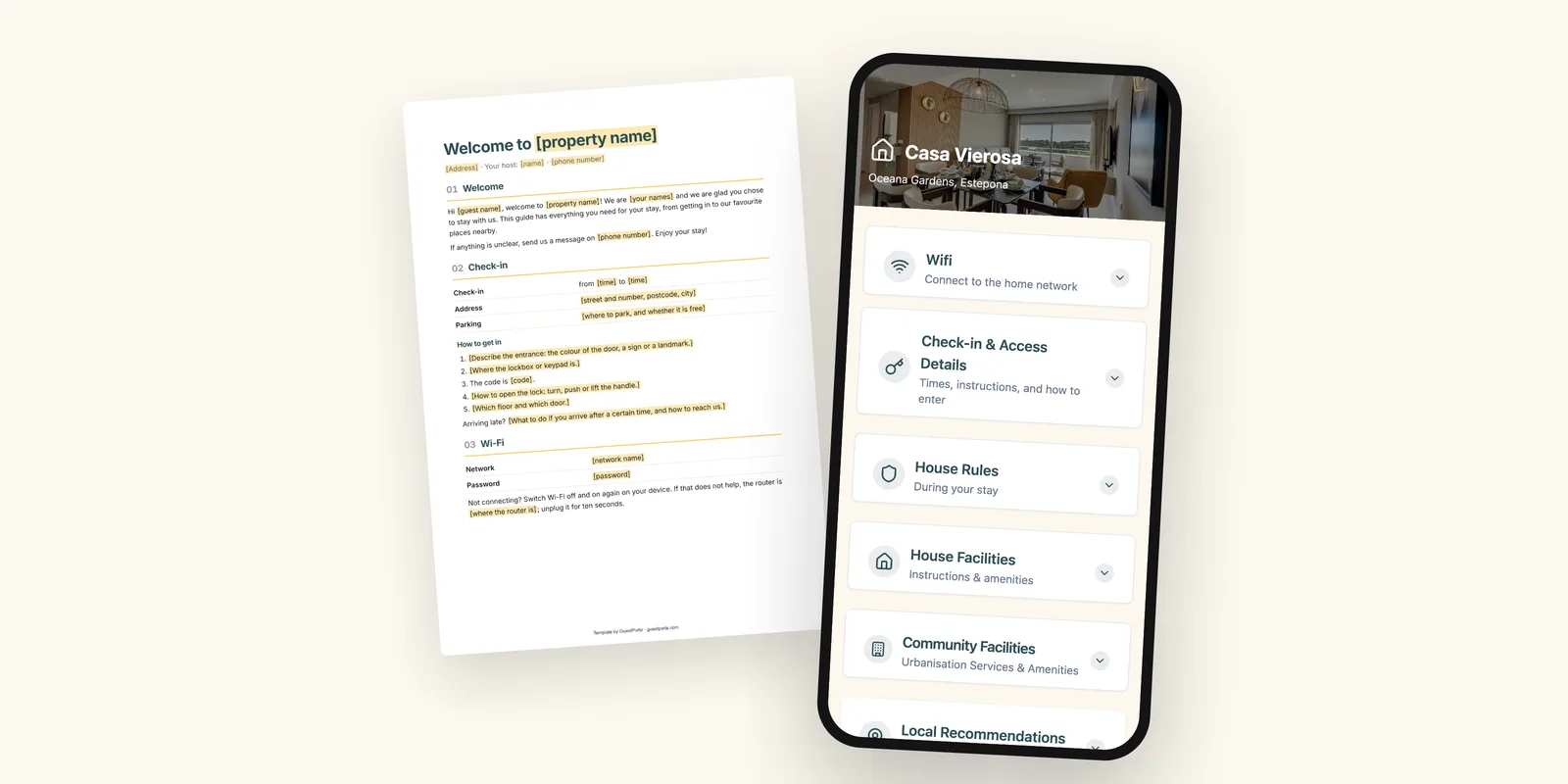
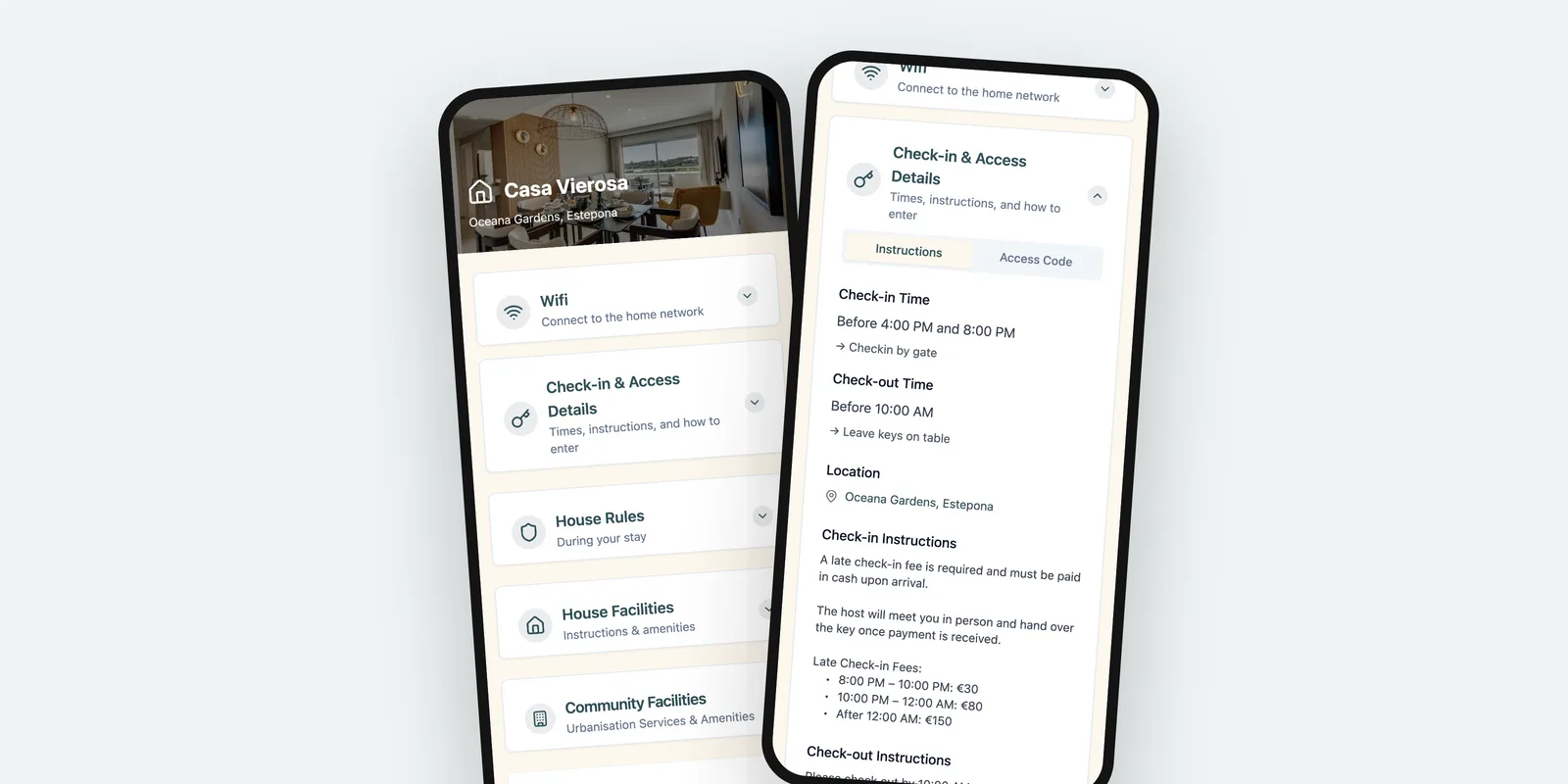
- Arrival and check-in: address, check-in window, parking, and the exact steps to get in
- Wi-Fi: network name and password, copyable, not a photo of a router sticker
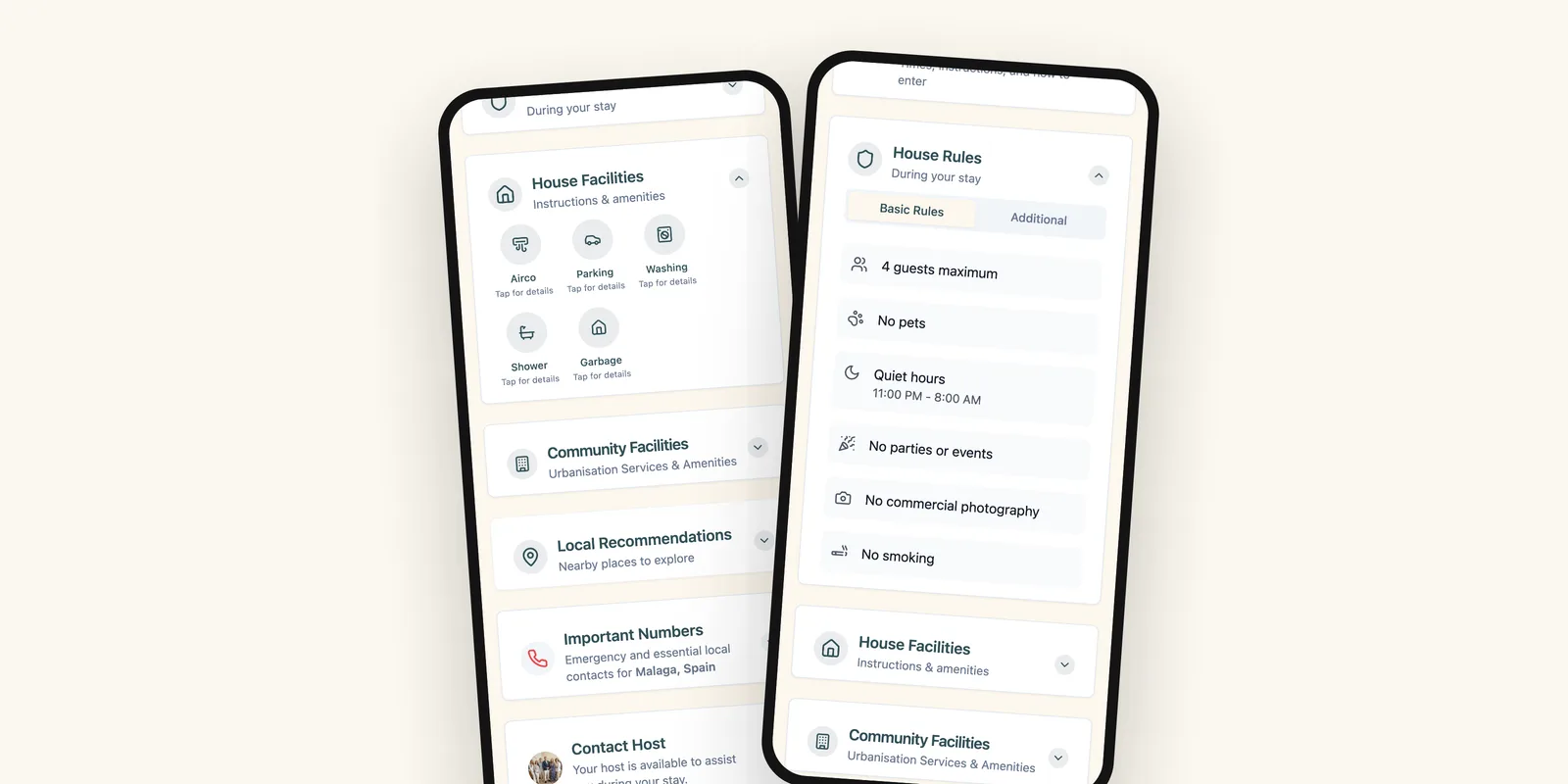
- House rules: quiet hours, pets, smoking, maximum number of guests
- Appliances: heating, hot water, the induction hob, the coffee machine, the washing machine
- Local tips: a handful of places you would send a friend to, with walking distance
- Emergencies: local emergency numbers, the nearest pharmacy, and how to reach you
- Check-out: time, what to do with keys, bins and towels
Two additions repay themselves quickly. The first is a short “how things work here” section for anything unusual in your home, such as a water boiler that needs ten minutes or a gate that sticks. The second is a note on what guests should do when something breaks, because a guest who knows to message you about a leaking tap will not try to fix it themselves.
How to structure it
1. Start with what guests need on arrival
The order of a welcome book should follow the order of the stay, not the order in which you thought of the sections. Arrival first, then Wi-Fi, then house rules, then the rest. A guest reading it for the second time is almost always looking for something in the first three sections.
The test I use: can a tired guest find the door code in under ten seconds, on a phone, with one hand? If not, the guide is not finished.
2. Keep sections short
Give each topic its own heading and keep it to a few lines. Write the way you would answer a message: “Check-in is from 16:00. The key is in the lockbox to the left of the door, code 4821. Turn the handle up to lock.” Long paragraphs hide the one sentence that matters.
Numbers, codes and times deserve their own line. Bold them if you can. When a guest is scanning, formatting does more work than wording.
3. Write for a guest who has never been here
You know that the entrance is the blue door around the corner, not the front door on the street. Your guest knows nothing. Read every arrival step as if you had never seen the building, and add the detail you skipped: which floor, which side, what the door looks like, what to do if the code does not work the first time.
4. Keep it in one place
Split information between a listing description, a message thread and a folder on the table, and guests will read none of the three. One link, sent once and reused every stay, is easier for them and far easier for you.
Printed or digital?
A printed folder is pleasant, costs nothing to maintain until something changes, and works when the Wi-Fi does not. That last point is worth keeping: print a single page with the network name, the password and your phone number, and leave it on the counter.
Everything else is better as a link. A digital guide arrives before the guest does, so the arrival steps are on their phone while they are still on the train. It can be corrected in a minute when the cleaner changes the lockbox code, and every guest with the link sees the correction, including the ones who booked months ago. And it costs nothing to run per booking, where a reprint costs an evening.
If you manage more than one property, the difference compounds. The same structure can be reused for every home, with only the details swapped, which is exactly what a printed folder makes painful.
Start with what you have
You do not need to write a welcome book from nothing. Take the last twenty messages you sent guests, group them by topic, and you have your outline and most of your sentences already. Put the arrival steps at the top, keep every section to a few lines, and share it as a link you can update. The rest is maintenance, and maintenance is the part a digital guide makes cheap.
FAQ
What should an Airbnb welcome book include?
Arrival and check-in steps, the Wi-Fi network and password, house rules, how the appliances work, a few local recommendations, emergency numbers and the check-out instructions. Anything a guest would otherwise message you about belongs in it.
How long should a welcome book be?
Short enough that a guest can find one fact in seconds. Aim for one screen per topic. If a section runs longer than that, it is usually a sign that two topics have been mixed together.
Is a digital welcome book better than a printed one?
A digital guide can be updated after a code changes and it reaches guests before they arrive, which a folder on the kitchen table cannot. A printed copy is still useful as a backup for guests who prefer paper.
When should I send the welcome book to my guests?
Send the link with the booking confirmation, then again in the message you send the day before arrival. Most questions come up while guests are travelling, so they need it before they reach the door.
Marta manages three holiday apartments on the Costa del Sol and writes about guest communication for GuestPorta. She has welcomed guests since 2017.