- Five messages cover almost every stay.
- Each message has one job; keep it short.
- Link to one guide instead of repeating details in every message.
Most guest questions arrive at predictable moments: right after booking, the day before arrival, the first evening and the morning of departure. If the answer reaches the guest just before the question does, the question never comes. That is what a small set of scheduled messages does.
The timeline
Five messages cover almost every stay. Each one has a single job.
1. Booking confirmation, straight after booking
Job: reassure the guest and set expectations.
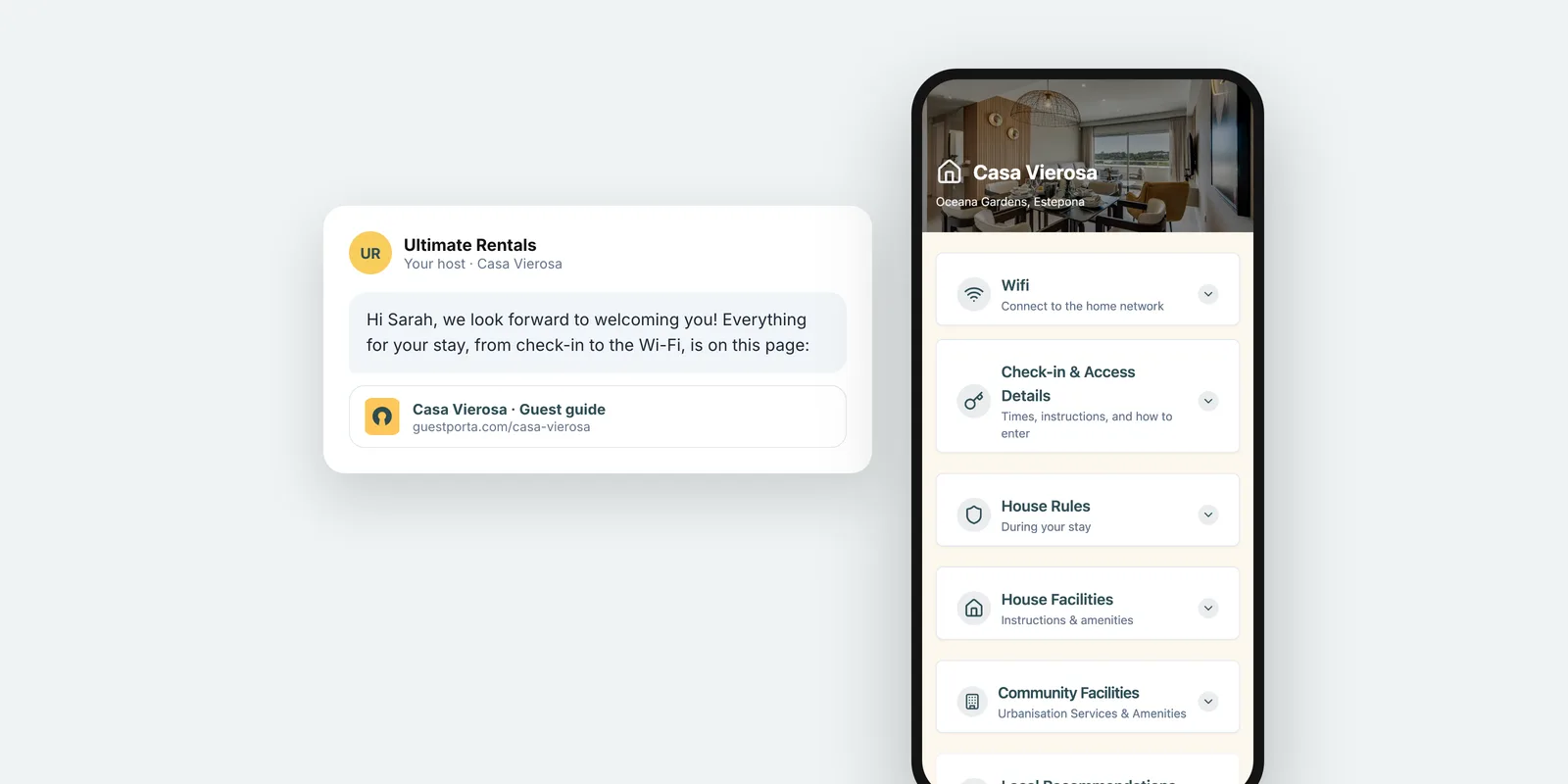
Thank them, confirm the dates, and send the link to your guest guide so they can find the address, check-in window and house rules whenever they want. Keep it short: they have just booked and do not need everything yet.
2. Before the trip, about a week ahead
Job: help them plan.
Mention anything that affects travel plans: parking, public transport from the airport, late arrival arrangements, and whether they need to tell you their arrival time.
3. The day before arrival
Job: get them in without calling you.
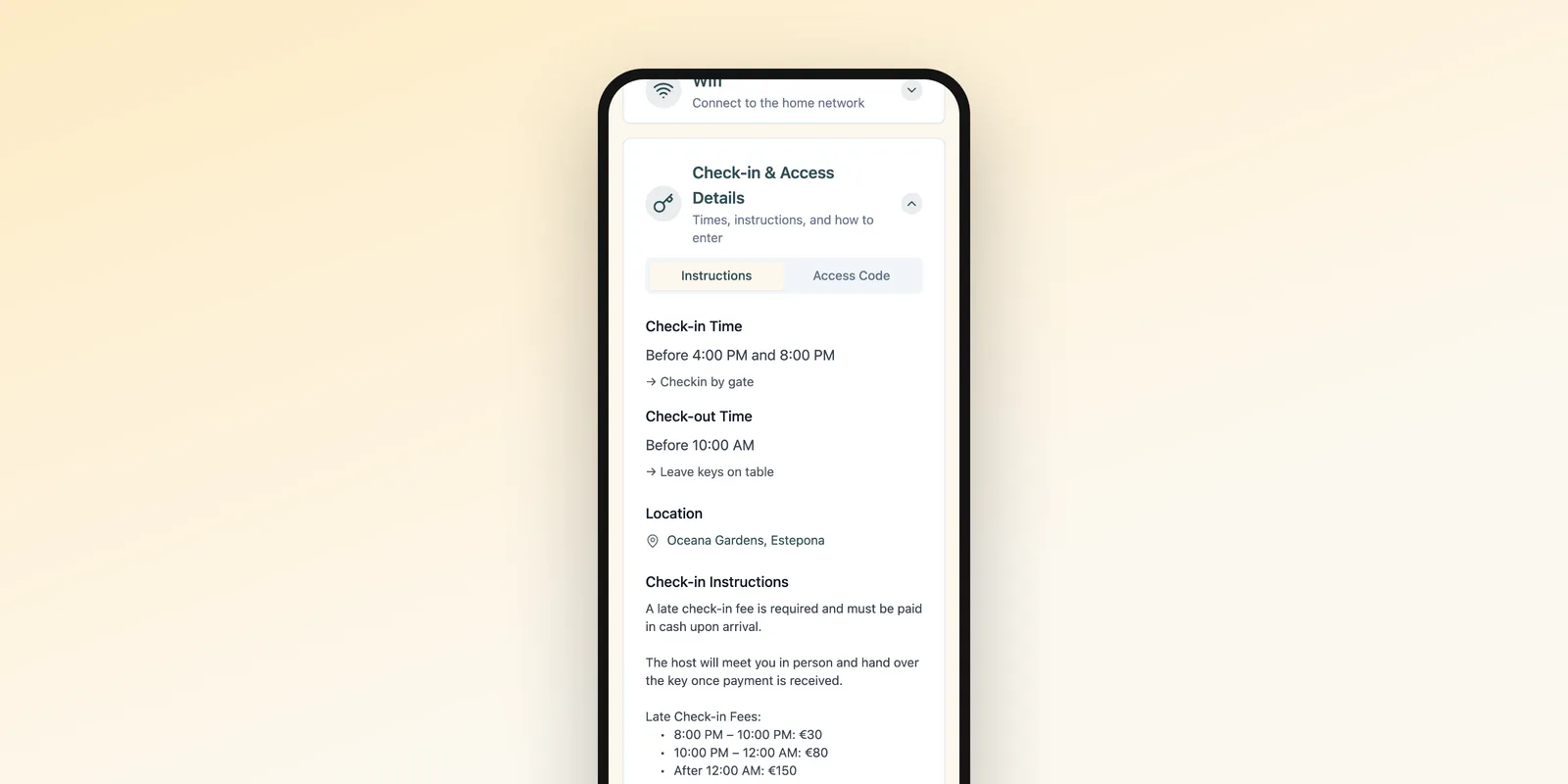
This is the most important message. Repeat the address, the check-in time and a link to the arrival steps. If the access code is shared close to arrival, this is the moment. See our guide to self check-in instructions.
4. The first evening
Job: make sure everything works.
A short check-in: did they find everything, is the Wi-Fi working? Add one or two local recommendations for dinner. This is also the moment guests mention small problems, which is far better than reading about them in a review.
5. The day before check-out
Job: a smooth departure.
The check-out time, what to do with the keys and what to leave behind: dishes, bins, towels. End with a thank you and, if it suits your style, a gentle mention of a review.
One guide, linked everywhere
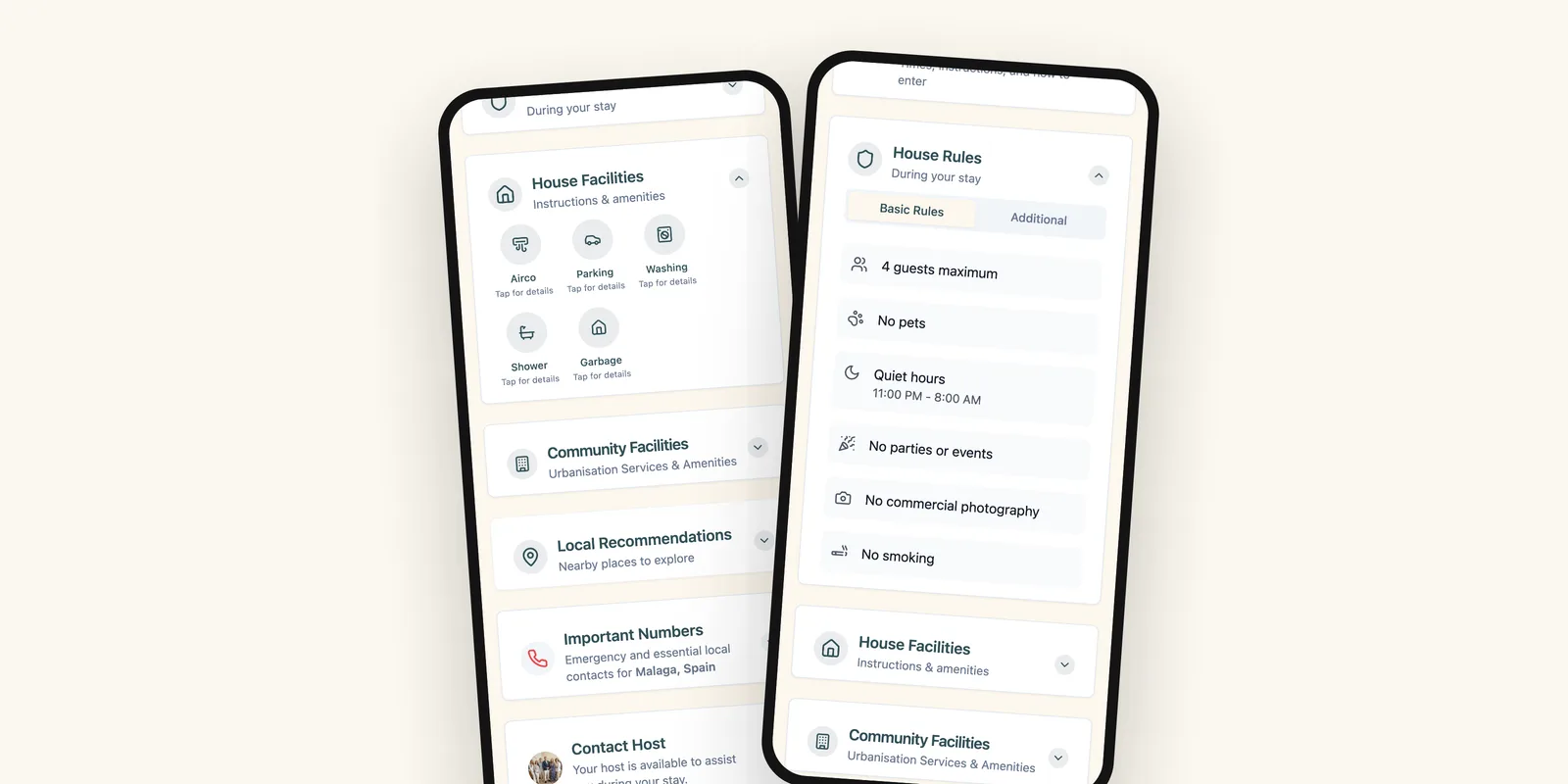
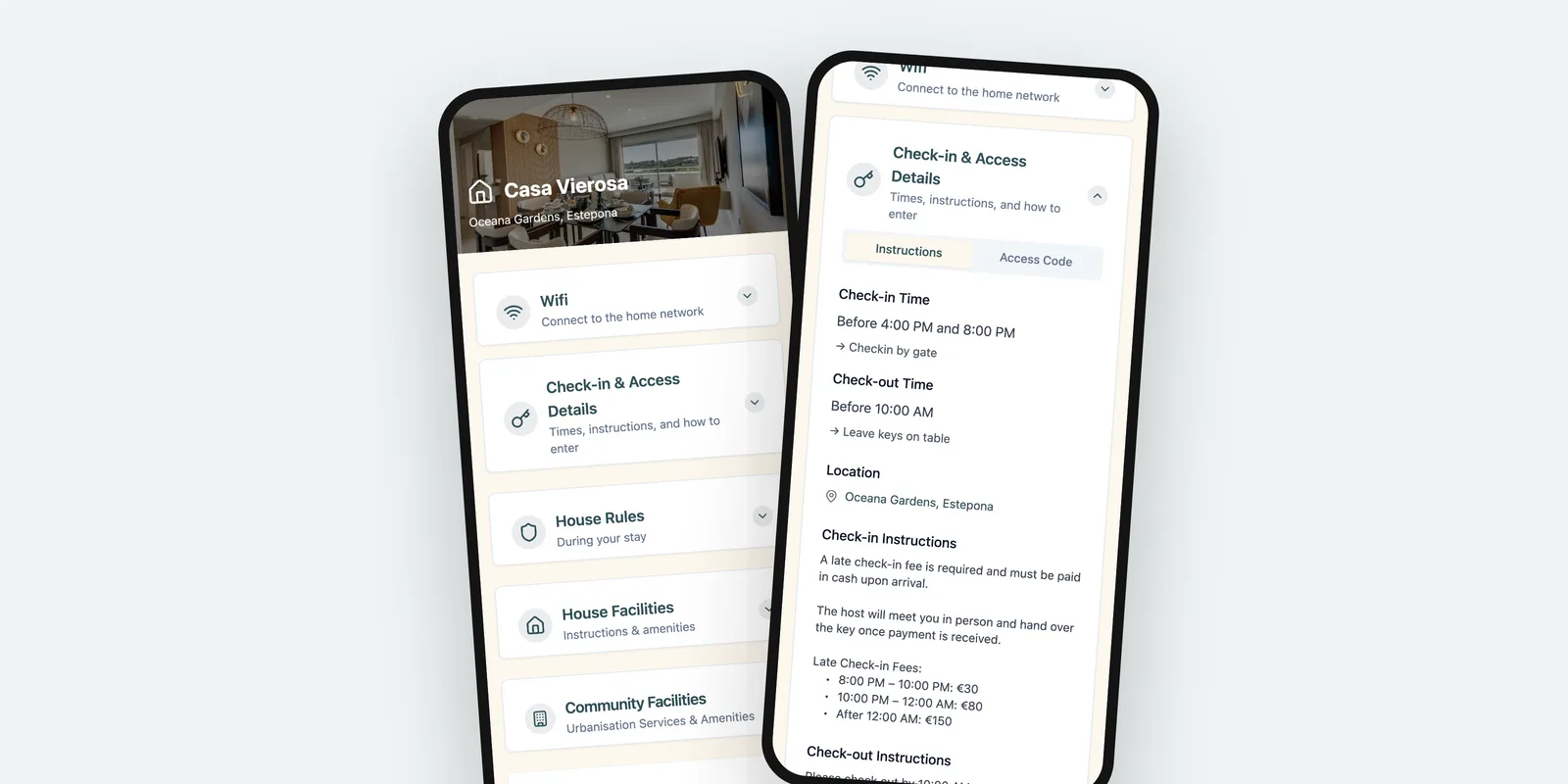
The more details you put into messages, the more messages you have to update when something changes. Keep the details in one digital welcome book and link to it from each message. When a code or a time changes, you edit the guide once, and every message you already sent points to the new version.
Keep the tone personal
Scheduled does not have to mean impersonal. Use the guest’s name, write as you speak, and keep each message short enough to read in a few seconds. Guests from abroad in particular appreciate plain, simple sentences that translate well.
FAQ
How do I schedule these messages?
Most booking platforms and channel managers let you save message templates and schedule them relative to check-in or check-out. Set them up once and review them every season.
Should automated messages sound personal?
Yes. Write them the way you would write to one guest, use their first name, and read them back as if you were the guest. Automation handles the timing, not the tone.
What if a guest replies to an automated message?
Answer it personally. Automation takes care of the information everyone needs, so the replies you do write can go to the questions that are specific to that guest.
The GuestPorta team builds digital guest pages for hosts and property managers, and writes about guest communication for short-term rentals.