- The names differ, the content barely does: arrival, the house, the area.
- A portal implies logins that most guests do not want and do not need.
- Pick the format by how often your information changes, not by the word.
Ask ten hosts what they send their guests and you get four names for roughly the same thing: a welcome book, a house manual, a digital guest guide, a guest portal. The words come from different places, which is why they survive, but they describe one job: telling a guest how to get in, how the house works and what is worth doing nearby.
Here is what each one usually means, and which one to say when you are looking for a tool.
Welcome book
Hospitality language, and the oldest of the four. A welcome book is the folder on the kitchen table: a greeting, the Wi-Fi, the rules, a few restaurants. The word carries warmth, which is why it survived the move to screens. Most hosts who say “welcome book” are thinking of a document they wrote once.
House manual
Airbnb made this one common, because that is what the field in their editor is called. A house manual leans practical: how the appliances work, where the bins go, the quirks of the heating. It rarely includes restaurant tips, and it often lives inside the platform, which means a guest who booked elsewhere never sees it.
Digital guest guide
The description people use when they moved the content off paper but kept the structure. Usually a PDF, a shared document or a simple page. The step that matters is not that it is digital; it is whether you can change it after you send it. A PDF is digital and just as frozen as print.
Guest portal
The newest of the four, and the one that promises most. A portal suggests a place a guest logs into: bookings, upsells, messages, maybe payments. Some tools do exactly that, and for a hotel or a large operator the extra machinery earns its keep.
For a holiday rental, the login is the problem. A guest arriving at midnight with the last ten percent of their battery will not create an account to read a door code. When you search for “guest portal”, check first whether guests need to sign in; if they do, assume a share of them never will.
The content is the same, so choose by how it behaves
Whatever you call it, the sections barely differ: arrival and access, Wi-Fi, how the house works, the rules, the area, check-out. The useful question is not what to name it, but how it behaves once you send it:
- Can you change it after sending? A printed folder and a PDF cannot. A page can.
- Does the guest need anything to open it? A link beats an app, which beats an account.
- Does it work on the platform your guests booked through? A house manual inside Airbnb does not reach your Booking.com guests.
- Can you reuse it for a second property? If you manage more than one, this is where the time goes.
Which word to put on your own page
If you write for guests, use the warm one. “Welcome book” or simply “your guide” reads better in a message than “portal”.
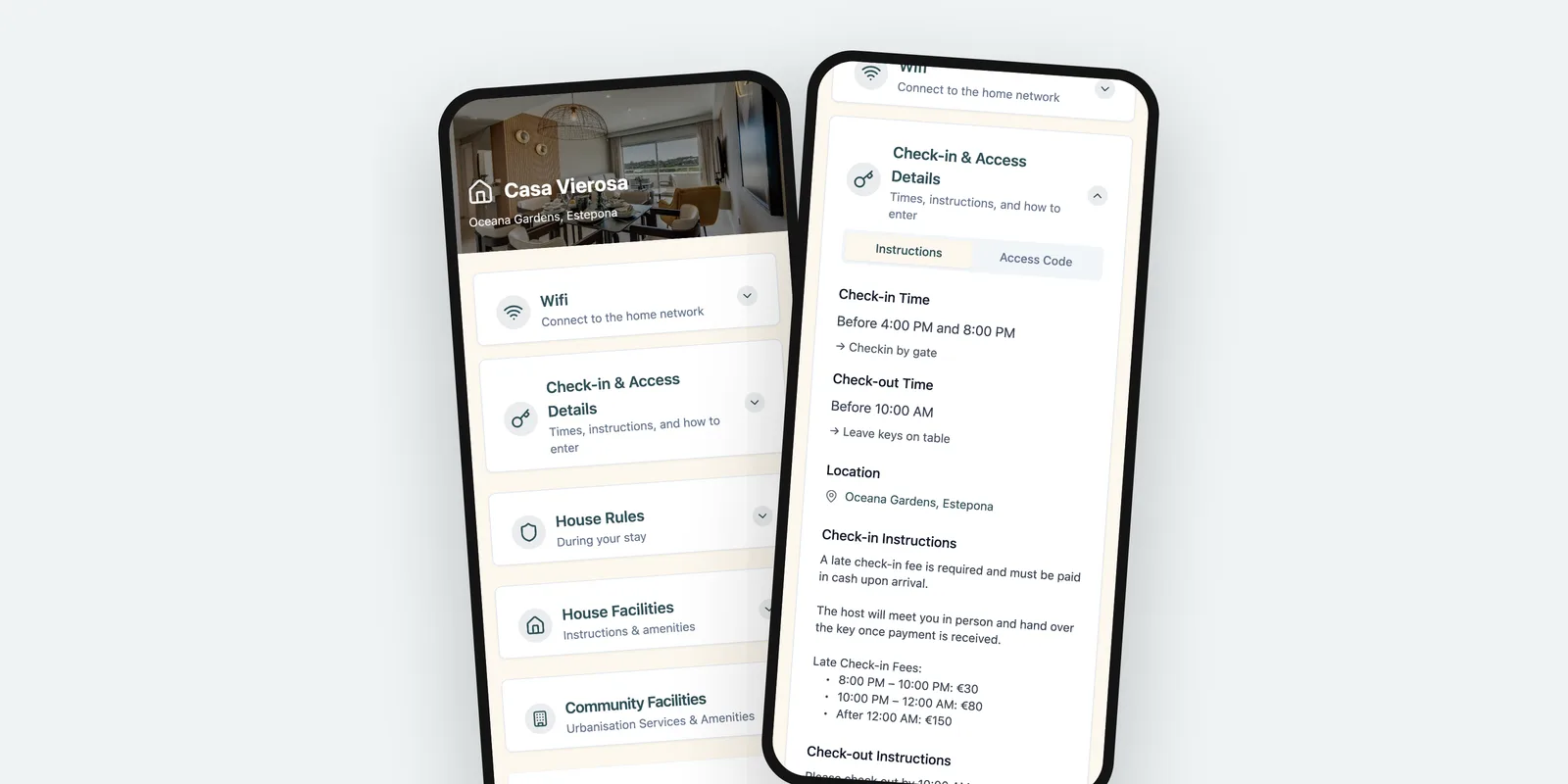
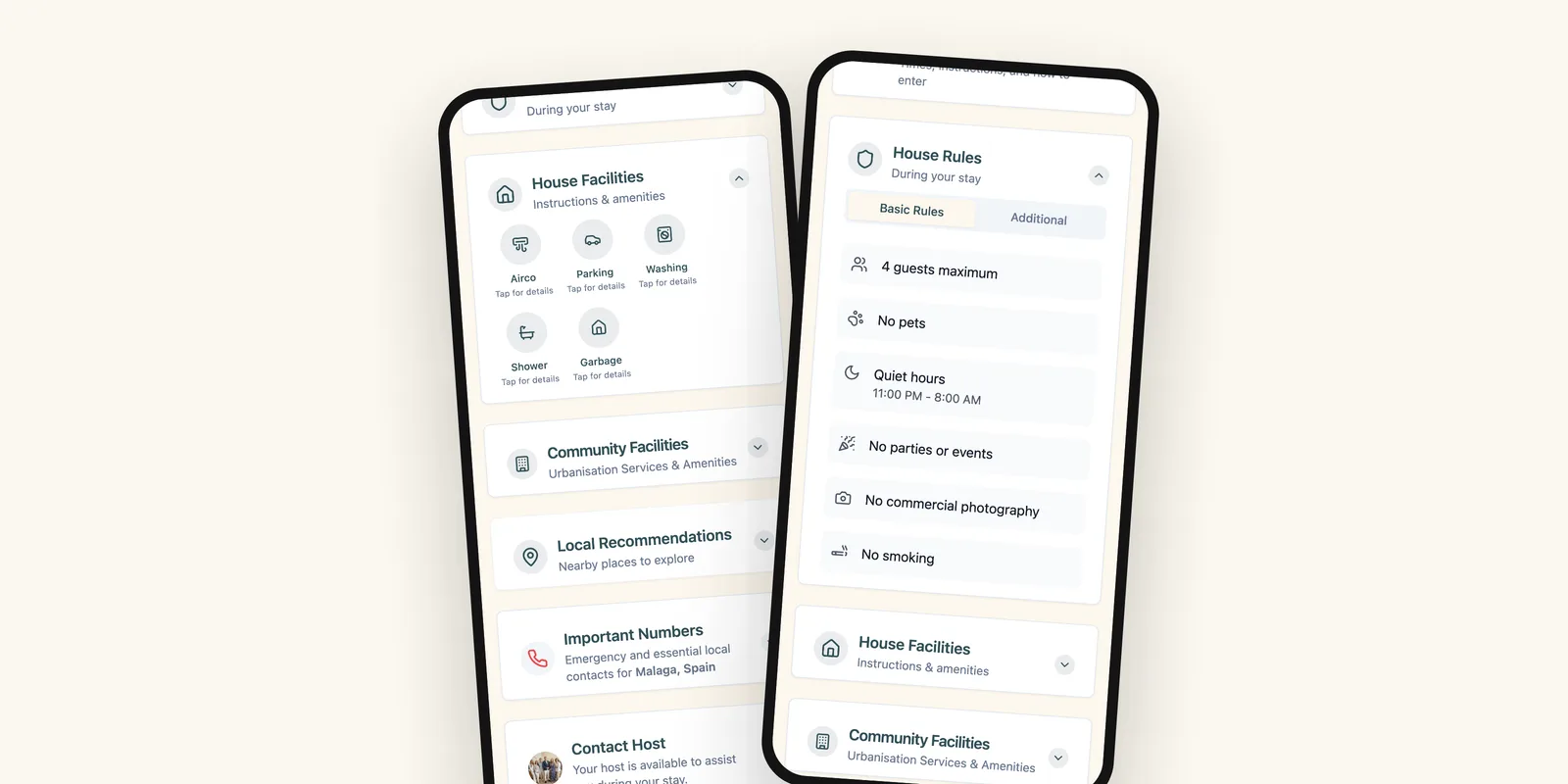
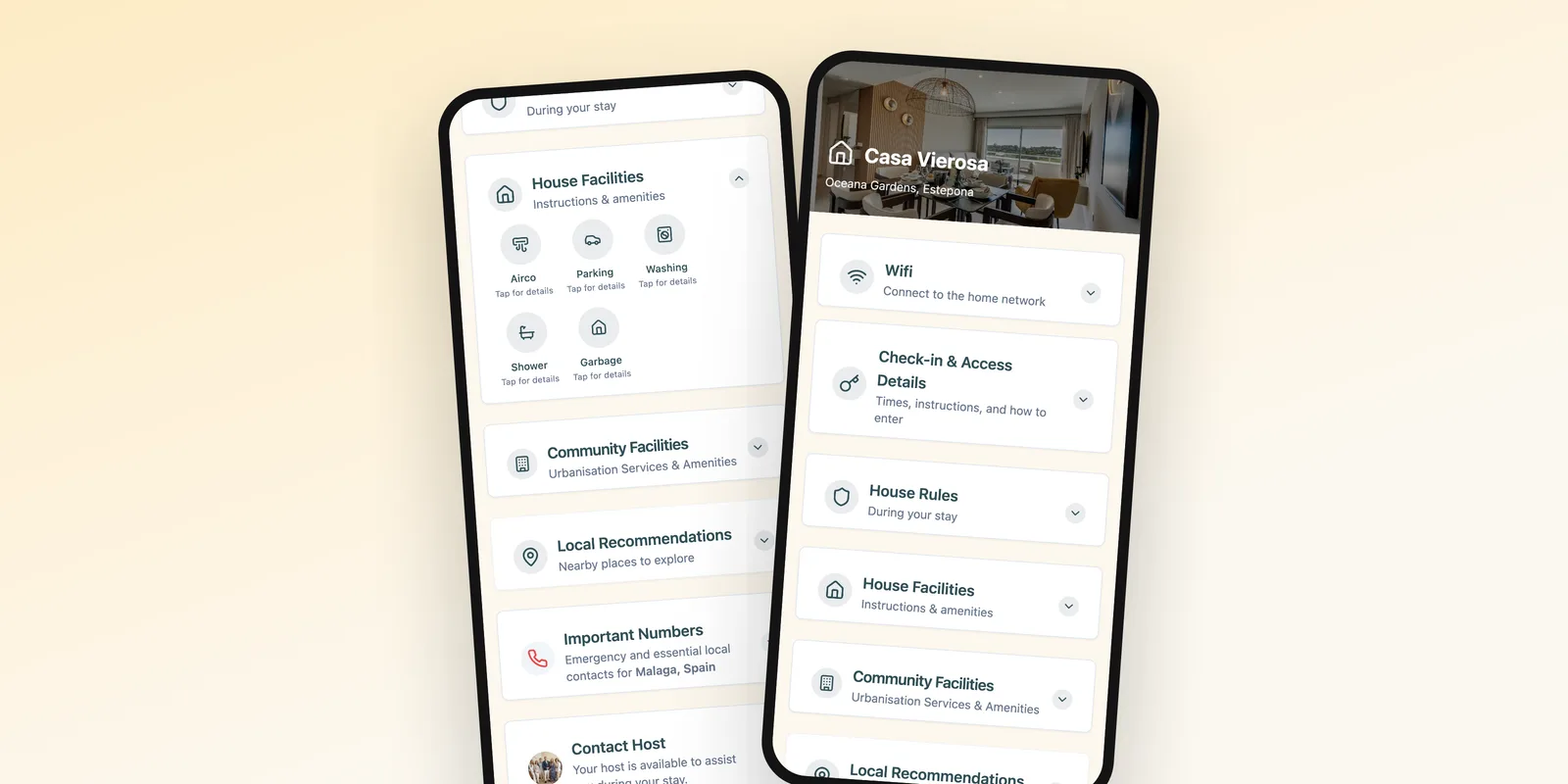
If you are searching for a tool, search with all four, because providers each pick their own. We call ours a guest page, because that is what the guest sees: a page that opens in the browser they already have. Underneath, it is the same welcome book, the same house manual, the same guest portal.
Where to start
Start with what you have already written. Your last twenty messages to guests contain the questions, in their own words, and most of the answers. Group them by moment (before arrival, the first hour, during the stay, check-out) and you have your outline.
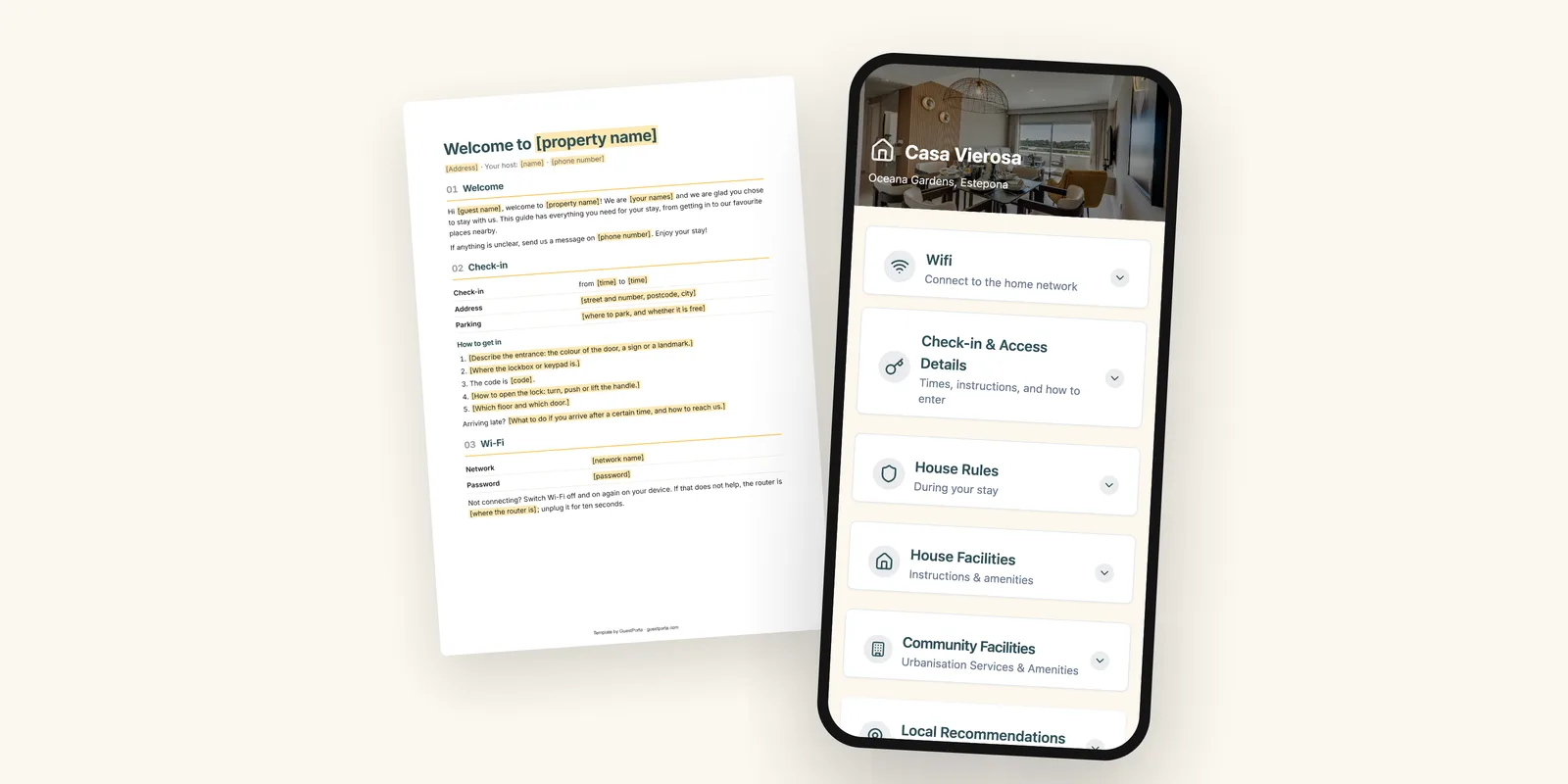
If you would rather start from a structure, our free welcome book template has the eight sections ready to fill in, in Word and PDF. And if you want to see the same information as a page a guest opens on arrival, there is a live example built from a real holiday apartment.
FAQ
Is a guest portal the same as a welcome book?
In practice yes, but the word suggests something bigger. A welcome book is a document, a guest portal is usually a web page or app with the same content. Guests care about one thing: can they open it without installing or signing up.
Do guests need an account to open a guest portal?
With some tools they do, with ours they do not. A guest who has to make an account to read the Wi-Fi password will message you instead, which defeats the point.
Should the guide be in more than one language?
If your guests come from different countries, a second language pays for itself in fewer questions. Keep one version per language rather than mixing two languages on a page, which makes both harder to scan.
The GuestPorta team builds digital guest pages for hosts and property managers, and writes about guest communication for short-term rentals.